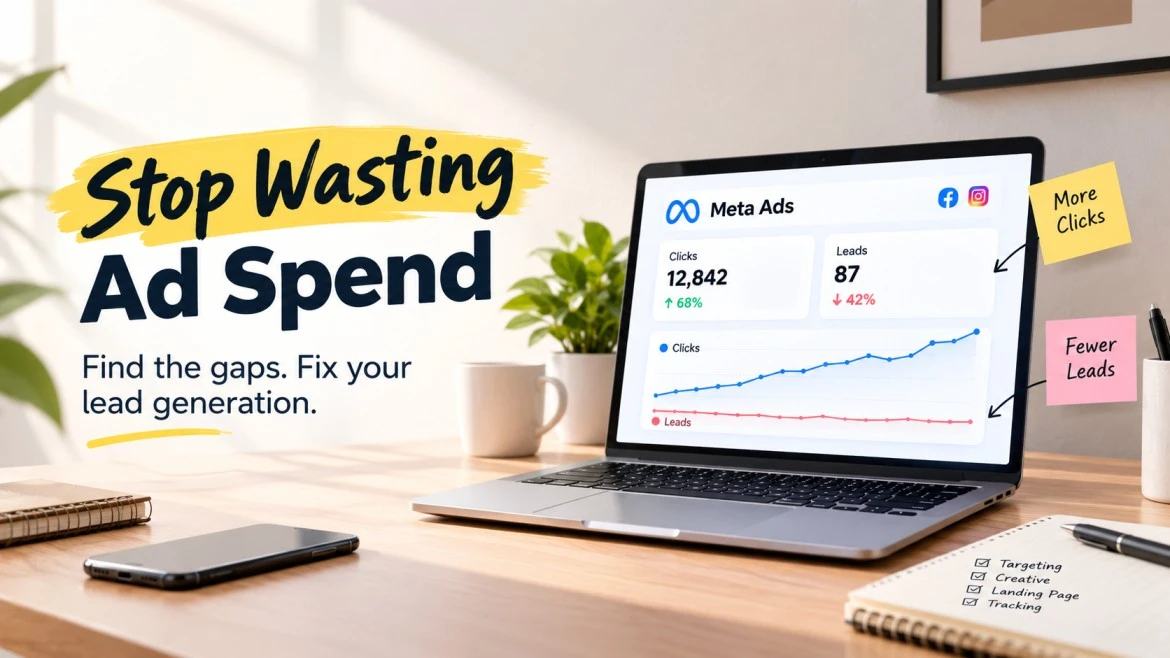
You are spending money on Facebook and Instagram ads, people are clicking, but enquiries are barely coming in. Even worse, the few leads you receive may not be interested in buying.
If your Meta Ads are not generating leads, increasing your budget is not necessarily the answer. The problem could be your campaign objective, offer, audience, landing page, conversion tracking or the way your team handles enquiries.
The good news is that you can investigate these issues systematically before spending more.
This guide explains seven important checks for businesses in Surat and across India, along with practical fixes to help you improve Meta Ads for lead generation and attract enquiries that are more likely to become customers.
1. Check Whether You Selected the Right Campaign Objective
One common reason Facebook Ads are not generating leads is that the campaign is optimized for the wrong action.
For example, a Traffic campaign is designed to prioritize website visits, while a Leads campaign supports lead generation activities. Getting more clicks does not automatically mean you will get more enquiries.
What to check in Meta Ads Manager:
- Review the campaign objective and conversion location.
- Confirm whether you want leads through Instant Forms, your website, calls or messaging.
- Check whether the performance goal matches your intended outcome.
- Compare actual leads with the results reported by the campaign.
How to fix it: If your goal is to collect enquiries, consider the Leads objective and select the conversion location that suits your sales process. If you use a website form, verify that the relevant conversion event is configured correctly.
For example, a Surat-based interior design company running ads for a free site consultation should optimize for enquiries rather than simply maximizing website visits.
Meta’s Ads Manager provides the campaign management tools needed to review these settings.
2. Find Out Whether Your Audience Matches Your Buyers
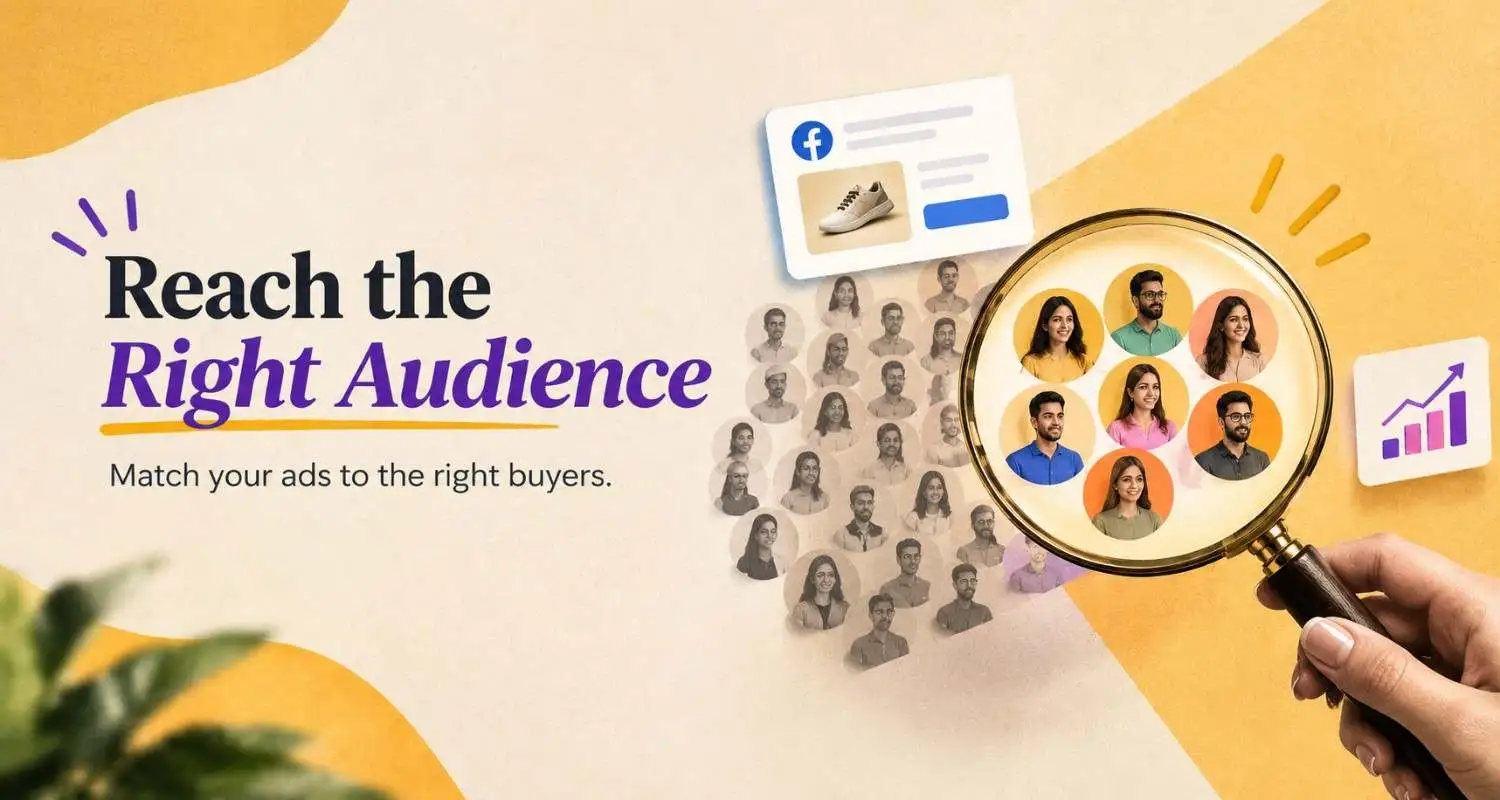
Your ads can reach thousands of people without reaching enough potential customers.
This often happens when businesses target an entire city or state without considering service areas, customer needs, buying capacity or the problem their offer solves.
What to check:
- Are you targeting locations where you actually provide your service?
- Does your audience reflect your ideal customer’s needs?
- Are your ads attracting genuine prospects or people who are unlikely to purchase?
- Have you excluded irrelevant locations or audiences where appropriate?
How to fix it: Start with a clear customer profile and a relevant geographic area. Test broader and more specific audience approaches where appropriate, then judge them by qualified leads and cost per qualified lead not audience size alone.
For example, an industrial supplier in Surat may need enquiries from textile manufacturers and other relevant businesses rather than a broad consumer audience.
Avoid narrowing your targeting excessively without evidence. The right audience depends on your offer, budget, conversion data and market.
3. Improve the Ad Creative and Offer
People may see your ad without understanding why they should contact you. A generic graphic, vague headline or broad promise gives prospects little reason to act.
Effective Meta Ads tips start with understanding what your audience wants. Apply these Facebook Ads tips by pairing a clear customer benefit with relevant visuals, persuasive ad copy and a specific call to action. An attractive creative may earn attention, but a relevant offer gives people a reason to enquire.
What to check:
- Does the first line communicate a problem or benefit?
- Is the offer specific enough to interest your intended buyer?
- Does the creative explain what makes your business relevant?
- Is the call to action clear and appropriate?
How to fix it: Test different messages, visuals and offers. For example, an ad for an SEO service could offer a website performance review rather than simply saying, “We provide SEO services.”
Test one meaningful variable at a time when possible, and compare results over a sufficient period. Do not assume that a visually appealing ad will necessarily produce qualified leads.
If you are also evaluating which platform suits your audience, read our guide to Facebook Ads vs Instagram Ads to understand the differences between the two advertising placements.
4. Investigate Why Your Ads Get Clicks but No Leads
If Facebook Ads are getting clicks but no leads, the problem may occur after the user clicks. The landing page could be slow, the form could be difficult to complete, or the offer may not match what the ad promised.
For ecommerce businesses, including Shopify stores, check whether product pages load quickly, prices and delivery details are clear, and the checkout process works smoothly on mobile.
Use this diagnostic table to identify the likely bottleneck.
| What you see | What to investigate |
| Impressions but very few clicks | Creative, headline, audience relevance |
| Clicks but few landing-page views | Page speed, redirects, tracking |
| Landing-page views but no form submissions | Offer, page content, form usability |
| Many submissions but poor-quality leads | Form qualification, audience and offer |
| Leads recorded in your CRM but not Ads Manager | Conversion tracking and event configuration |
How to fix it: Make sure your landing page repeats the main promise of the ad. Keep the form focused on essential information, make the next step obvious and test the entire journey on a mobile phone.
For instance, if your ad promotes a free consultation but the landing page only displays a generic company introduction, visitors may not understand how to claim the consultation.
5. Check Your Budget, Campaign Stability and Ad Fatigue
A small budget does not automatically make Meta Ads ineffective. However, a budget that generates too little conversion data can make it harder to evaluate performance and identify winning ads.
Frequent edits can also make results harder to interpret, while repeatedly showing the same creative to a limited audience may reduce engagement over time.
What to check:
- Is your budget sufficient to test your offer and audience?
- Have you made repeated changes before gathering useful data?
- Is frequency increasing while engagement or conversions decline?
- Are some ads spending without contributing to your business objective?
How to fix it: Estimate a workable testing budget using your acceptable cost per lead and available funds. Consolidate overlapping campaigns when appropriate, avoid unnecessary changes, and introduce fresh creative when performance data suggests fatigue.
One of the most practical Facebook Ads tips is to avoid changing several campaign settings at once. Test your audience, creative or offer systematically, then compare the results over a suitable period. These Meta Ads tips help you identify which changes improve lead quality instead of making decisions based on short-term fluctuations.
Do not increase spending simply because a campaign has run for several days. First identify what the existing data tells you.
6. Verify Meta Pixel, Conversion Events and Lead Tracking
Incorrect tracking can make a working campaign look unsuccessful or make a poor campaign appear better than it really is.
If you use website forms, check that your Meta Pixel and relevant conversion events are configured correctly. Where appropriate, a Conversions API integration can complement browser-based tracking.
For Instant Forms, confirm that leads are being retrieved and passed to your CRM or another lead-management system.
What to check:
- Submit a test enquiry and verify that it reaches your intended destination.
- Check whether the relevant conversion event fires after a successful submission.
- Compare Ads Manager lead counts with website records and CRM entries.
- Investigate duplicate events, missing events and failed integrations.
For more accurate campaign reporting, follow our guide to UTM tracking and campaign links, which explains how to identify traffic sources and distinguish campaign performance in analytics reports.
How to fix it: Use Meta Events Manager and your website or CRM records to identify discrepancies. Test the complete process before changing your bidding strategy.
Meta’s official lead generation guide discusses Instant Forms, CRM integration and Conversions API options for improving lead generation and lead quality.
7. Measure Lead Quality and Follow Up Quickly
Generating a lead is not the same as generating a sale. If enquiries arrive but your team rarely converts them, the problem may involve qualification, response time, pricing, trust or the sales process.
This is especially important for service businesses where customers may compare several providers before making a decision.
What to check:
- How many leads are genuine and contactable?
- How many receive a response?
- How many become qualified opportunities?
- How many ultimately become customers?
How to fix it: Record lead status in a CRM or structured spreadsheet, assign responsibility for follow-up, and review lead quality by campaign and ad. Where your setup supports it, sending qualified-lead outcomes back to Meta through an appropriate CRM integration can help optimize campaigns toward more valuable outcomes.
If you need help reviewing audience targeting, creative testing, conversion tracking and campaign performance, explore Techeasify’s Facebook Ads management services in India.
For example, a Surat-based digital marketing agency should distinguish between someone requesting a genuine SEO proposal and someone submitting a form without a business website or clear requirement.
What Is Changing in Meta Ads for Lead Generation?
Digital advertising remains an important channel for Indian businesses. The ET Brand Equity–Ipsos State of Digital Marketing in India 2025–26 report estimated India’s digital advertising expenditure at ₹49,000 crore in FY2025, with 20% year-on-year growth. Social media accounted for 29.8% of digital advertising formats in the report’s FY2025 breakdown. Source: Ipsos India.
For advertisers, the practical takeaway is not to spend more simply because the market is growing. It is to build a more measurable campaign.
Focus on relevant creative, suitable conversion goals, reliable tracking, CRM integration and lead quality. These are more useful priorities than chasing clicks or copying another business’s campaign settings.
How Techeasify Can Help You Improve Meta Ads
Techeasify is a digital marketing agency with 10+ years of experience. If your campaigns are spending money without producing meaningful enquiries, the first step is to identify where the conversion process is breaking down.
Our Meta Ads management services in India can help you review campaign objectives, audience strategy, ad creative, conversion tracking and lead quality.
Whether you run an ecommerce store, a local business in Surat or a service company targeting customers across India, the objective should be to build a campaign that supports business growth not simply generates activity inside Ads Manager.
Want to find out why your Meta Ads are not converting? Contact Techeasify to discuss your campaign and identify what needs attention first.
Frequently Asked Questions
1. Why are my Facebook Ads not generating leads?
Common causes include the wrong campaign objective, an irrelevant audience, an unclear offer, a weak landing page, tracking problems or poor follow-up. Check your funnel from ad impression to qualified lead to identify where prospects drop off.
2. Why are my Facebook Ads getting clicks but no leads?
Clicks without leads often indicate a problem after the click, such as a slow landing page, an unclear offer, a difficult form or a mismatch between the ad and the page. Test the full conversion journey on mobile before increasing your budget.
3. How can I improve Facebook Ads conversion rates?
Improve message-to-page consistency, simplify forms, use a clear call to action, test relevant creative variations and verify conversion tracking. Measure completed leads and qualified enquiries rather than relying on click-through rate alone.
4. Are Meta Ads suitable for small businesses in Surat?
Yes. Meta Ads can help local businesses reach relevant audiences, promote services and collect enquiries. Results depend on the offer, targeting, competition, budget, conversion experience and follow-up process.
5. Should I use Meta Instant Forms or a landing page?
Instant Forms can reduce the steps required to submit an enquiry, while landing pages provide more space to explain complex services and qualify prospects. Test both when practical, comparing cost per qualified lead rather than lead volume alone.
6. What should I check first if my Meta Ads are not working?
Start with the campaign objective and delivery status. Then check clicks, landing-page visits, form submissions, tracking accuracy and lead quality. This sequence helps isolate the problem before you make major campaign changes.
Final Takeaway
When Meta Ads are not generating leads, do not assume that the platform or your budget is the problem. Diagnose the campaign first.
Check the objective, audience, offer, landing page, budget, tracking and sales follow-up. Use actual conversion data to decide what to change, and evaluate success by qualified enquiries and customers, not clicks alone.